
Do you constantly fight against long cycle times while trying to maintain that mirror finish on your robotic components? Poor toolpath planning kills productivity and ruins surface finishes, leaving you with scrapped parts and frustrated managers. This is a common pain point for many senior engineers.
Optimizing CNC toolpath strategies involves selecting the right cutting patterns, managing chip load, and utilizing modern CAM features like high-speed machining (HSM) and trochoidal milling. By balancing material removal rates with cutter engagement, you can significantly reduce cycle times, extend tool life, and achieve superior surface finishes simultaneously.
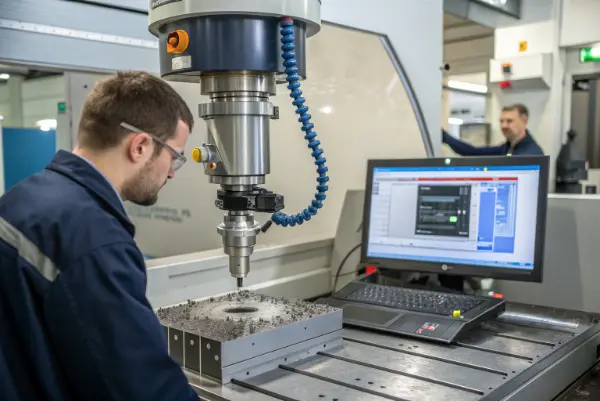
We need to look beyond just "feeds and speeds." True optimization happens when you understand the geometry of movement. I have seen many shops in China run standard offset paths when dynamic milling would save them 40% of the time. Let’s explore the specific strategies that can transform your machining process from average to exceptional.
Why Should You Choose High-Speed Machining (HSM) Over Traditional Offset Paths?
Are you still relying on traditional offset toolpaths that overload your cutter in corners? This old method causes tool chatter and vibration, which destroys your surface finish and forces you to run machines slower. It is a major bottleneck for precision parts.
You should choose High-Speed Machining (HSM) because it maintains a constant chip load on the cutter. Unlike offset paths, HSM strategies—often called dynamic motion or adaptive clearing—adjust the stepover constantly to ensure the tool never engages too much material at once, allowing for faster feed rates and deeper cuts.
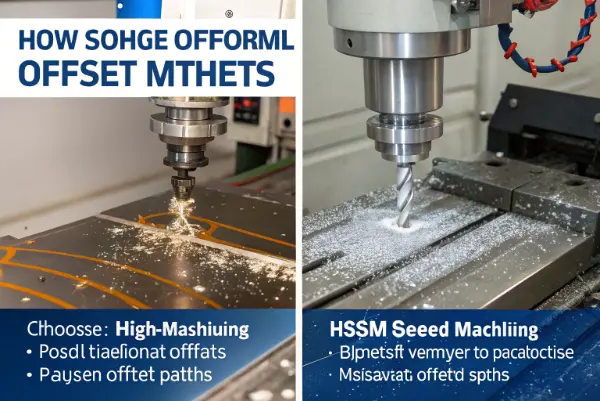
Let’s break this down further because it is crucial for complex parts like the robotic joints Alex designs. In traditional offset roughing, the tool follows the shape of the part. When the tool hits a sharp corner, the engagement angle spikes. Suddenly, 50% or more of the tool is buried in the metal. The load doubles, heat builds up, and the tool screams. To prevent breakage, you have to slow everything down.
HSM changes the game completely. It focuses on the physics of the cut rather than just the shape of the part.
The Core Benefits of HSM
- Constant Tool Engagement: The software calculates a path where the tool engagement angle stays steady (e.g., 20 degrees). If the tool approaches a corner, the path loops or morphs to keep that load consistent.
- Heat Evacuation: Because you are moving fast with a small radial stepover, the majority of the heat goes into the chip, not the part or the tool. This is vital for materials like titanium or stainless steel.
- Full Flute Utilization: Instead of taking shallow cuts (depth of cut = 10% of tool diameter), you can use the entire flute length (200% or 300% of diameter). This spreads wear evenly across the tool.
Comparison: Traditional vs. Dynamic
| Feature | Traditional Offset | Dynamic / HSM |
|---|---|---|
| Depth of Cut (DOC) | Shallow | Deep (Full Flute) |
| Stepover (WOC) | Large (50%+) | Small (10-15%) |
| Feed Rate | Slow | Very Fast |
| Tool Wear | Concentrated at tip | Even distribution |
| Corner Load | Spikes drastically | Constant / Controlled |
I once had a project for an aluminum chassis. The original CAM programmer used standard pockets. The cycle time was 45 minutes. I switched it to a dynamic milling strategy, utilized the full 25mm flute length of the end mill, and cranked the feed rate up. The cycle time dropped to 18 minutes. The tool also lasted for 50 parts instead of 10. For high-volume production, this math is impossible to ignore.
How Does Trochoidal Milling Prevent Tool Breakage in Hard Materials?
Is cutting hard steel or titanium causing you to snap expensive end mills frequently? Slotting in hard materials is a nightmare because the cutter is fully engaged (180 degrees), leaving no room for chips to evacuate. This leads to instant heat buildup and catastrophic tool failure.
Trochoidal milling prevents breakage by using a circular motion to open up a slot wider than the cutter diameter. This technique keeps the tool load low and allows for excellent chip evacuation, making it the safest and most efficient way to machine deep slots in tough materials.
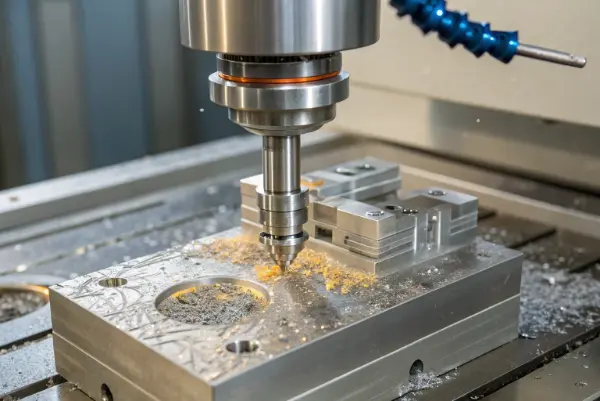
Trochoidal milling might look strange if you haven’t seen it before. The tool looks like it is spiraling or "peeling" the material away rather than plowing through it. But for anyone working with hardened steels (like HRC 50+) or titanium, it is a lifesaver.
When you plow a cutter straight into a slot, the tool is trapped. Coolant cannot reach the cutting edge, and chips get re-cut. This is the primary cause of premature tool wear. Trochoidal motion solves this by introducing "air time" for the cutter.
The Mechanics of the Motion
- Circular Interpolation: The tool moves in small circles while advancing forward.
- Reduced Arc of Contact: The tool is only cutting for a small portion of the rotation. This allows the cutting edge to cool down in the air before it hits the metal again.
- Chip Thinning: Because the entry angle is shallow, the chips are thin and easy to eject. You can actually increase your feed rate significantly to compensate for the "thinning" effect.
When to Use Trochoidal Milling?
It is not necessary for everything. If you are cutting soft plastic, it is a waste of code. But for specific scenarios, it is unbeatable.
- Deep Slots: When the slot depth is 2x or 3x the tool diameter.
- Hard Materials: Stainless steel (304, 316), Titanium (Ti-6Al-4V), and Inconel.
- Underpowered Machines: If your spindle lacks the torque to plow through steel, trochoidal milling lets you remove material using high RPM and low torque.
I remember helping a client with a 17-4 PH stainless steel bracket. They were breaking a $50 carbide end mill on every third part trying to cut a deep channel. We switched to a trochoidal path with a smaller diameter tool. The cycle time actually increased slightly (by about 10%), but the tool life went from 3 parts to 40 parts. The process stability meant they could run the machine "lights out" without worrying about a crash. Sometimes, efficiency isn’t just about speed; it is about reliability.
What Finishing Strategies Deliver the Best Surface Roughness (Ra)?
Does your part look rough or show visible "scallop" marks even after a finishing pass? Using the wrong finishing strategy or stepover value creates uneven surfaces that require expensive manual polishing. This ruins the precision you worked so hard to achieve.
To deliver the best surface roughness, you must match the strategy to the geometry: use "Waterline" or "Z-level" paths for steep walls, and "Scallop" or "Parallel" paths for shallow, curved surfaces. Additionally, reducing the stepover and ensuring a consistent chip load will minimize tool deflection and visible marks.
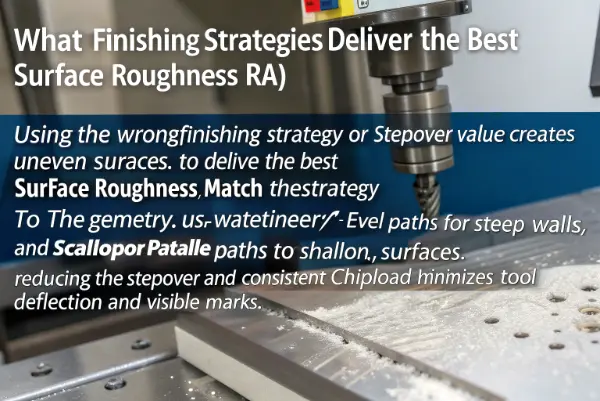
Surface finish is often the final hurdle. You have roughed the part quickly, but now you need that smooth, professional look. In my experience at QuickCNCs, I see many designs where the engineer specifies a Ra 0.8 surface, but the CAM programmer uses a generic "parallel" path over the whole part. This is a mistake.
Different geometries demand different mathematical approaches. The goal is to keep the "cusp height" (the little ridge of material left between passes) consistent.
Choosing the Right Strategy
- Vertical Walls (Steep Areas): Use Z-Level or Waterline finishing. This slices the part horizontally. The tool moves down a set distance (Z-step) and cuts around the profile. It is great for walls but terrible for flat floors because the tool barely moves horizontally.
- Flat or Shallow Slopes: Use Parallel (Raster) finishing. The tool goes back and forth. However, on steep walls, the stepover distance stretches out, leaving bad marks.
- Organic / 3D Shapes: Use Scallop (Constant Stepover) finishing. This is often the best "all-rounder" for complex 3D parts. It generates passes based on the 3D surface distance, ensuring the cusp height is the same on a steep wall and a flat floor.
The Impact of Ball Nose End Mills
For 3D surfacing, you are likely using a ball nose mill. The effective diameter of a ball nose changes depending on the slope. At the very tip (center), the speed is effectively zero.
- Avoid Cutting with the Tip: If you are finishing a flat area with a ball nose, tilt the tool (if using 5-axis) or use a strategy that avoids the center point.
- Stepover Calculations: A smaller stepover reduces cusp height but increases time. The formula involves the tool radius and desired cusp height.
| Strategy | Best Application | Weakness |
|---|---|---|
| Parallel | Shallow areas, simple curves | Bad on steep walls |
| Z-Level / Waterline | Steep walls, vertical surfaces | Leaves steps on flat areas |
| Scallop | Complex organic shapes | Can generate messy code in corners |
| Pencil | Cleaning out corners/fillets | Only affects corners |
A recent robotic arm housing we machined required a completely uniform finish for painting. We used a "Flow" toolpath (a variation of scallop that follows the UV curves of the surface). It took longer to calculate the path on the computer, but the result was a uniform texture that looked like it was molded, not machined.
How Can Climb Milling vs. Conventional Milling Affect Your Results?
Are you unsure whether to move the tool against the material rotation or with it? Choosing the wrong direction—conventional milling instead of climb milling—causes heat to build up in the part, leads to work hardening, and results in a poor surface finish.
Climb milling is almost always the better choice for CNC machining because the cutter enters the material at the maximum chip thickness and exits at zero, transferring heat into the chip. Conventional milling rubs against the material before cutting, creating friction and heat, though it is sometimes useful for manually machining castings with hard skins.
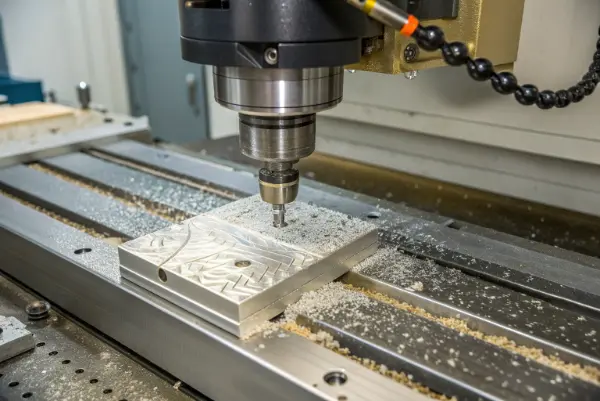
This is one of the first things I teach new operators, but even experienced engineers sometimes overlook the "why." It all comes down to how the cutting edge enters the metal.
Climb Milling (Down Milling)
In climb milling, the tool rotates in the same direction as the feed. Imagine the tool "climbing" over the material.
- Thick-to-Thin: The tooth bites into the thickest part of the chip immediately. This is efficient cutting.
- Heat Transfer: Because the chip is formed instantly, the heat leaves with the chip.
- Surface Finish: The tool exits the cut gently (zero chip thickness), leaving a smooth surface.
- Workholding: The cutting force pushes the part down into the table. This is safer.
Conventional Milling (Up Milling)
The tool rotates against the feed direction.
- Thin-to-Thick: The tool slides and rubs against the surface before it actually starts cutting. This rubbing generates massive friction.
- Work Hardening: In materials like stainless steel, this rubbing hardens the surface before the cutter penetrates it, killing tool life.
- Deflection: The tool tries to lift the part off the table.
When to Use Conventional Milling?
If climb milling is so great, why does conventional exist?
- Manual Machines: Old manual mills have "backlash" (play) in the lead screws. Climb milling can pull the table forward uncontrollably. Conventional milling pushes against the screw, keeping it tight.
- Castings/Forgings: If a part has a hard, rusty, or sandy "skin" on the outside, climb milling forces the cutting edge to smash directly into that hard skin. Conventional milling lets the tool enter from the clean "underneath" material and break the skin from the inside out.
For high-precision CNC work, stick to climb milling 99% of the time. I once inspected a batch of aluminum plates that had fuzzy edges. The operator had accidentally set the finishing pass to conventional milling. The tool was rubbing instead of shearing. We switched it back to climb, and the edge was crisp and shiny immediately.
Conclusion
To maximize efficiency and surface quality, prioritize High-Speed Machining for roughing, utilize Trochoidal paths for hard materials, select geometry-specific finishing strategies like Scallop or Waterline, and always default to Climb milling for precision CNC work.