
Are you thinking about getting a compact CNC for your workshop? You need to make steel parts, but wonder if a desktop machine is strong enough. It’s confusing when so many machines claim they can do things they really can’t.
Yes, some desktop CNC machines can cut steel. These are usually high-rigidity desktop mills, not the common hobbyist CNC routers. The main differences are the machine’s frame, spindle power, and weight. Machines with cast iron frames and powerful, high-torque spindles are built for steel. In contrast, most entry-level models with aluminum frames are not suitable for cutting hard metals effectively.
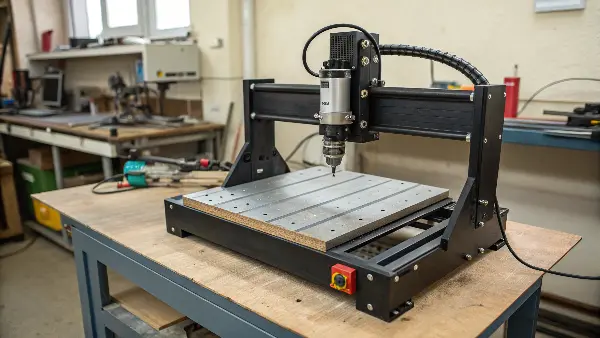
This might sound simple, but it’s more complex than you think. The name "desktop CNC" is used for many different types of machines, from small hobby routers to heavy-duty mills. Before you decide to buy one, it’s very important to know what these machines can actually do. Let’s look at the details to help you choose the right one for your work.
What can a desktop CNC machine really do?
You see all these great projects made on desktop CNCs online. But when you look for their real limits, the information is all over the place. It’s hard to know if a machine is right for your specific projects.
A desktop CNC machine can engrave, carve, and cut different materials. Most are very good with soft materials like wood, plastics, and sometimes aluminum. Their main jobs are making prototypes, custom parts, and detailed engravings. However, their ability to handle harder metals like steel depends entirely on their design, stiffness, and spindle power. Hobby machines and professional desktop mills have very different capabilities.
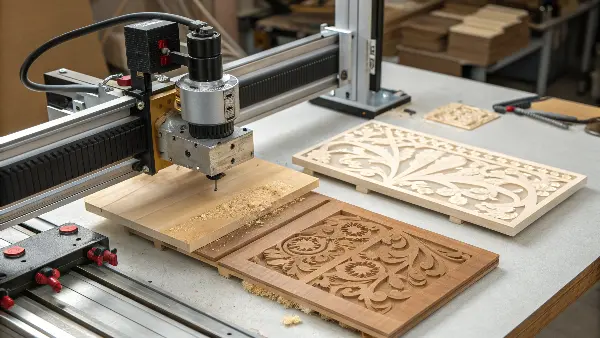
When I first started in a machine shop, the machines were huge. They filled a room and weighed tons. Today, you can get a "CNC machine" that fits on your desk. But this term is very broad. It helps to split them into two main groups: CNC Routers and CNC Mills. Understanding the difference is the most important step.
CNC Routers vs. CNC Mills
The biggest difference is rigidity. Rigidity is how well a machine resists bending or vibrating when it cuts. Cutting steel creates a lot of force, so you need a very rigid machine.
| Feature | Hobby Desktop CNC Router | Pro Desktop CNC Mill |
|---|---|---|
| Frame Material | Aluminum Extrusions | Cast Iron or Steel Weldments |
| Spindle Type | High-Speed Router (low torque) | Low-Speed Spindle (high torque) |
| Best For | Wood, Plastics, Engraving | All Metals (including steel), Precision Parts |
| Weight | Light (~20-50 kg) | Heavy (100+ kg) |
| Typical Cost | $500 – $3,000 | $5,000 – $20,000+ |
I remember a client, a startup founder, who bought a popular desktop router. He wanted to make steel prototypes for his invention. He called me after weeks of frustration. His machine just couldn’t do it. The cutters kept breaking, and the cuts were rough. He had the wrong tool for the job. A desktop router is great for wood or plastic, but for steel, you need a desktop mill.
Can a CNC machine cut steel?
You have a project that needs steel parts, but your space is limited. You wonder if any CNC machine can cut steel, or if only giant industrial machines can do it. Not knowing the answer can stop your project from moving forward.
Yes, a CNC machine can cut steel, but it must be the right kind. A CNC mill is designed for cutting steel. It has a rigid frame, a high-torque spindle, and the power to handle hard metals. A standard CNC router, especially a desktop model, usually lacks the stiffness and power. It might scratch the surface of steel but cannot perform any real cutting operations reliably.

So, we know that a CNC mill can cut steel. But what does that really mean? "Cutting steel" isn’t a single action. It involves different operations, and each one puts different demands on the machine. To get a clear picture, we need to think about the physics behind the process.
The Physics of Cutting Steel
When you machine steel, you are not just carving it away. You are using a sharp tool to shear off chips of metal. This requires a huge amount of force. The machine must be able to push the cutting tool into the material without chattering or vibrating.
Here’s why rigidity is so important:
- Force Management: A cast iron frame absorbs vibration. Aluminum frames, common in routers, will flex under the same load. This flexing leads to a poor surface finish and can break your cutting tool.
- Spindle Torque: A router spindle spins very fast (high RPM) but has low torque. This is great for "rubbing" away material like wood. A mill spindle has high torque (rotational force). It can spin slower but with much more power, allowing it to push the cutter through tough steel.
- Tooling and Speeds: Cutting steel requires specific cutting tools, usually coated carbide end mills. You also need to use slow spindle speeds and controlled feed rates. This strategy is called "low-speed, high-torque" machining. A desktop router can’t provide this; its spindle would stall at the low RPMs needed for steel.
I’ve worked with many engineers like Alex. They know the theory but are surprised when they see the difference in practice. We once had a project making small steel fixtures. We tried a lighter benchtop machine first. It worked, but it was slow, and we went through cutters quickly. We then moved the job to our smallest Haas VMC, a real industrial mill. The difference was night and day. The cuts were faster, smoother, and the tools lasted ten times longer. This showed me that for steel, there is no substitute for a rigid, powerful machine.
Can a Fox Alien CNC cut metal?
You might see ads for machines like the Fox Alien CNC. They look capable and are priced affordably. The ads often say they can cut "metal," which makes you wonder if it could be a cheap solution for your steel parts.
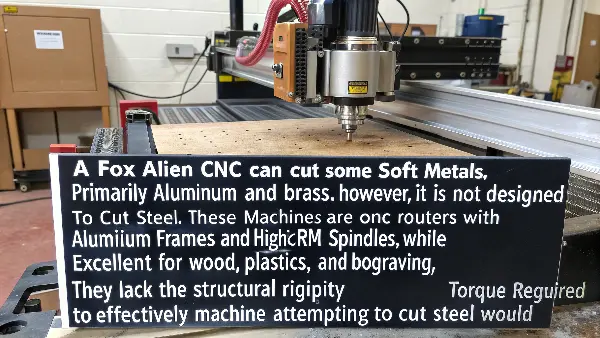
A Fox Alien CNC can cut some soft metals, primarily aluminum and brass. However, it is not designed to cut steel. These machines are CNC routers with aluminum frames and high-RPM spindles. While excellent for wood, plastics, and engraving, they lack the structural rigidity and spindle torque required to effectively machine a hard material like steel. Attempting to cut steel would likely fail and could damage the machine.
It’s easy to get confused by the word "metal." From an engineering standpoint, aluminum and steel are completely different. Their properties require totally different machining strategies. Let’s look at why a machine like a Fox Alien is great for one but not for the other.
Matching the Machine to the Material
A Fox Alien, or similar machines from brands like SainSmart or Carbide 3D, are part of the "hobby CNC router" category. They have brought CNC technology to a huge audience, which is fantastic. But they have clear limitations based on their design.
Why They Work for Aluminum (Sometimes)
Aluminum is soft and light. You can machine it effectively with high spindle speeds and relatively low force. A hobby router can handle this. You take very light cuts, move the cutter quickly, and clear the chips away. I’ve used similar machines myself for making things like custom aluminum faceplates for electronics projects. They work well for that specific task.
Why They Fail with Steel
Steel is hard and dense. Trying to machine it with a high-speed, low-torque router leads to several problems:
- Chatter: The machine’s frame will vibrate violently as the tool tries to cut the steel. This is called chatter. It leaves a terrible surface finish and is very loud.
- Tool Destruction: The high RPMs generate too much heat for steel. The cutting edge of your tool will overheat, become dull instantly, and likely snap.
- Stalled Spindle: The router’s motor doesn’t have enough torque to keep the tool spinning when it meets the resistance of steel. The spindle will just stop, which can damage the motor.
In our production work at QuickCNCs, we treat aluminum and steel as two separate worlds. We use different machines, different cutting tools, different coolants, and totally different CAM programs for each. Thinking you can use the same lightweight machine for both is a common mistake that costs people a lot of time and money in broken tools and ruined material.
How much is a DMC2 mini desktop CNC?
You’ve realized a hobby router won’t cut steel. Your research leads you to more professional machines, like the DMC2. But professional gear often comes with a professional price tag, and you’re worried it might be too expensive for your budget.
The DMC2 Mini Desktop CNC is a high-precision, professional-grade machine designed for metal. Its price typically starts around $10,000 for the base machine. However, the final cost can easily reach $15,000 to $20,000 or more after adding necessary options like an enclosure, coolant system, automatic tool changer (ATC), and workholding vises. This reflects its status as a serious tool for engineering and small-scale production, not a hobby machine.
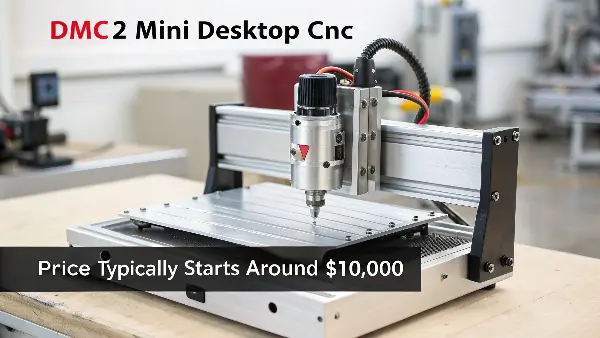
This price might seem high compared to a hobby router, but you are paying for capability. A machine like the DMC2, or others in its class like a Tormach PCNC 440 or a Syil X7, represent a completely different category. They are true desktop mills. Let’s break down where that money goes and why it’s necessary for machining steel.
What Are You Paying For?
When you invest in a pro-desktop mill, you are paying for the features that enable you to cut steel and other hard materials accurately and reliably. The initial price is just the beginning.
The Ecosystem of Costs
A professional engineer like Alex understands that the machine is just one part of the system. To make a part, you need a full setup.
| Component | Purpose | Estimated Cost Range |
|---|---|---|
| Base Machine | The core CNC mill itself with frame, motors, and controller. | $10,000 – $15,000 |
| Enclosure | Contains chips and coolant, essential for safety and cleanliness. | $1,500 – $3,000 |
| Coolant System | Prevents tools from overheating and helps clear chips when cutting steel. | $500 – $1,500 |
| Automatic Tool Changer | Holds multiple tools and changes them automatically. Crucial for efficiency. | $2,000 – $5,000 |
| Workholding (Vise) | A high-quality machinist vise to hold the material securely. | $300 – $1,000 |
| Tooling & Holders | End mills, drills, and holders for the spindle. A starter set is needed. | $500 – $2,000+ |
| CAM Software | Software to create the toolpaths (G-code) from your 3D model. | $0 (Fusion 360) – $5,000+ |
As you can see, the "all-in" cost is much higher than the base price. But each component is critical. Trying to machine steel without a proper coolant system will destroy your tools. Trying to hold a part without a good vise will result in it coming loose, ruining the part and potentially damaging the machine. At QuickCNCs, we often advise clients on setting up their own small prototype shops. The most common mistake we see is underestimating this total cost. They budget for the machine but forget everything else needed to actually make their first part.
Conclusion
Yes, you can cut steel with a desktop CNC, but only with a rigid, powerful desktop mill. Hobby routers are not suitable for this demanding task.